

01
Give it the goal, not the steps.
Describe the outcome you need. Mibyan plans the work, reaches for the right tools, and keeps you in the loop as it goes.
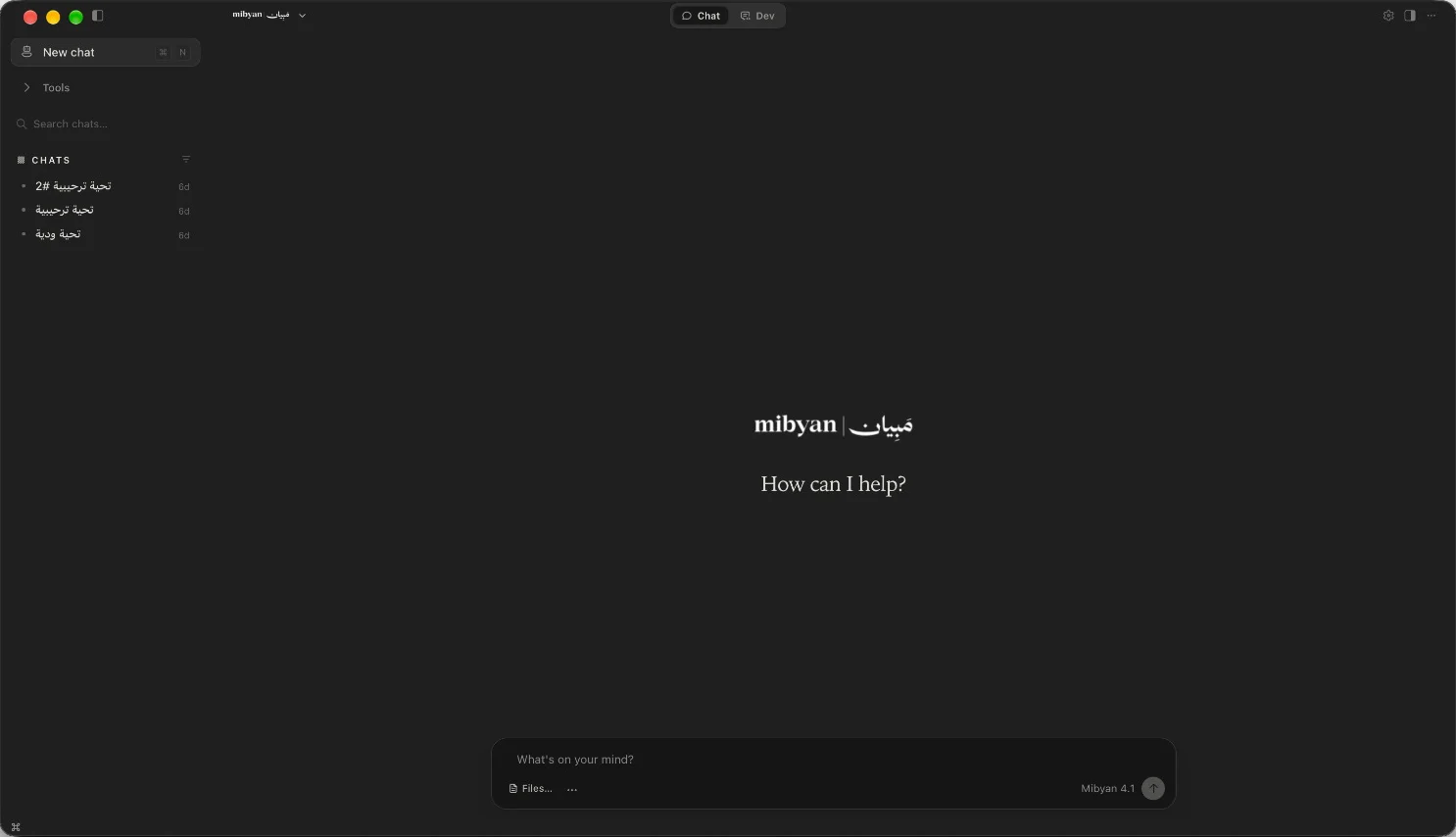
Your AI employee, on your desktop. Give Mibyan the goal — it works across your files, browser and tools to get it done.
Understand the request. Reason through the task. Use the tools. Carry the work forward — and check in when it matters.
Describe the outcome you need. Mibyan plans the work, reaches for the right tools, and keeps you in the loop as it goes.
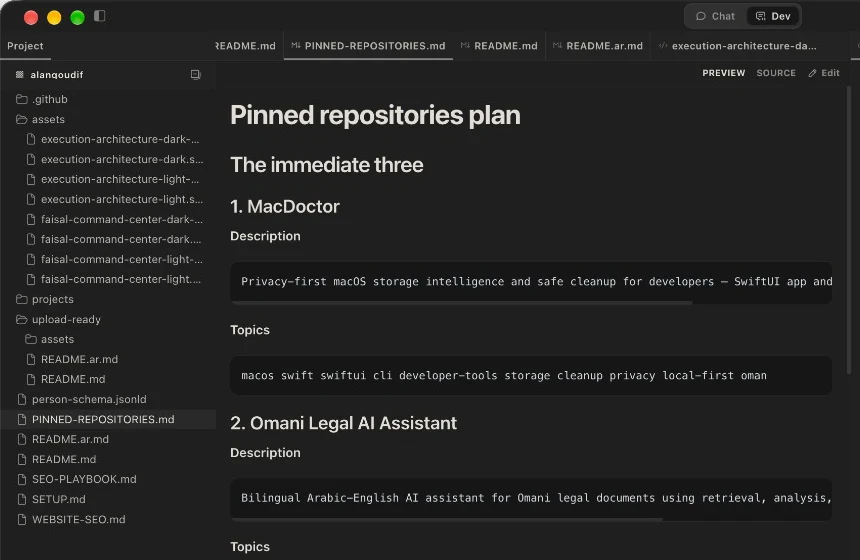
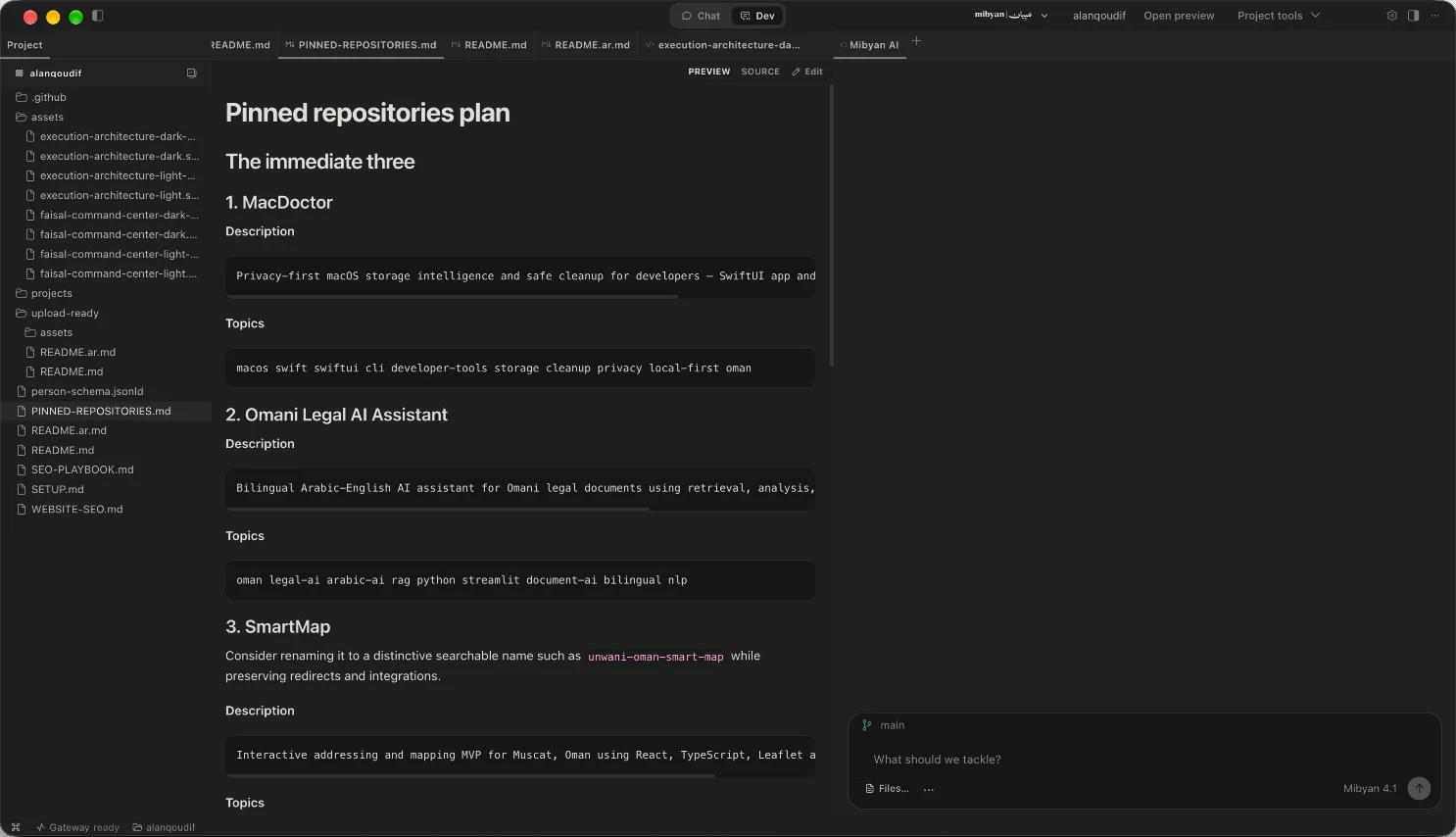
Open a folder and Mibyan works alongside you: reading files, shaping documents, and previewing the result next to the conversation.
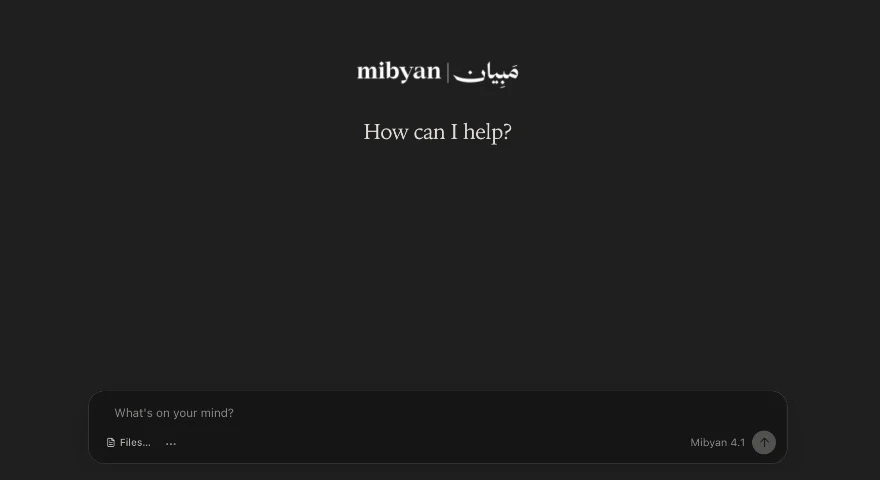
Switch to Chat when you need to think something through, and to Dev when the task needs files, previews and tools.
Browser, files, terminal and connected tools — with you in control.
Research, compare and work through web tasks.
Read, organise and draft inside your folders.
Inspect a repository, run it, report back.
Connect the services your team already uses.
Pauses for you before steps that need a yes.
Ask, work and write in either — or both.
A lightweight app on your desktop, backed by the world’s leading AI models.
Mibyan’s own model — fluent in Arabic and English, and ready from the first message.
Start with a goal. Mibyan adapts the workflow to your team.
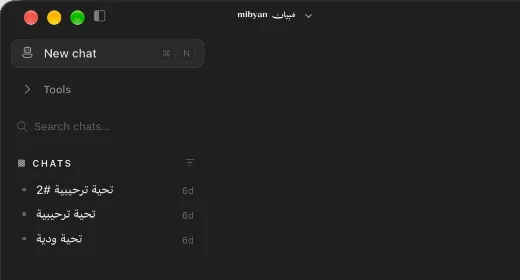
Mibyan moves naturally between Arabic and English — in your requests, your research, and the documents you create. Right-to-left, from the first word.
اكتب بالعربي، واشتغل بالإنجليزي.
مبيان يفهم الاثنين.
Two music videos. Two very different takes. Both made with love.
Join the early-access list and we’ll let you know as soon as the first public Mac release is ready.
Try Mibyan on the web